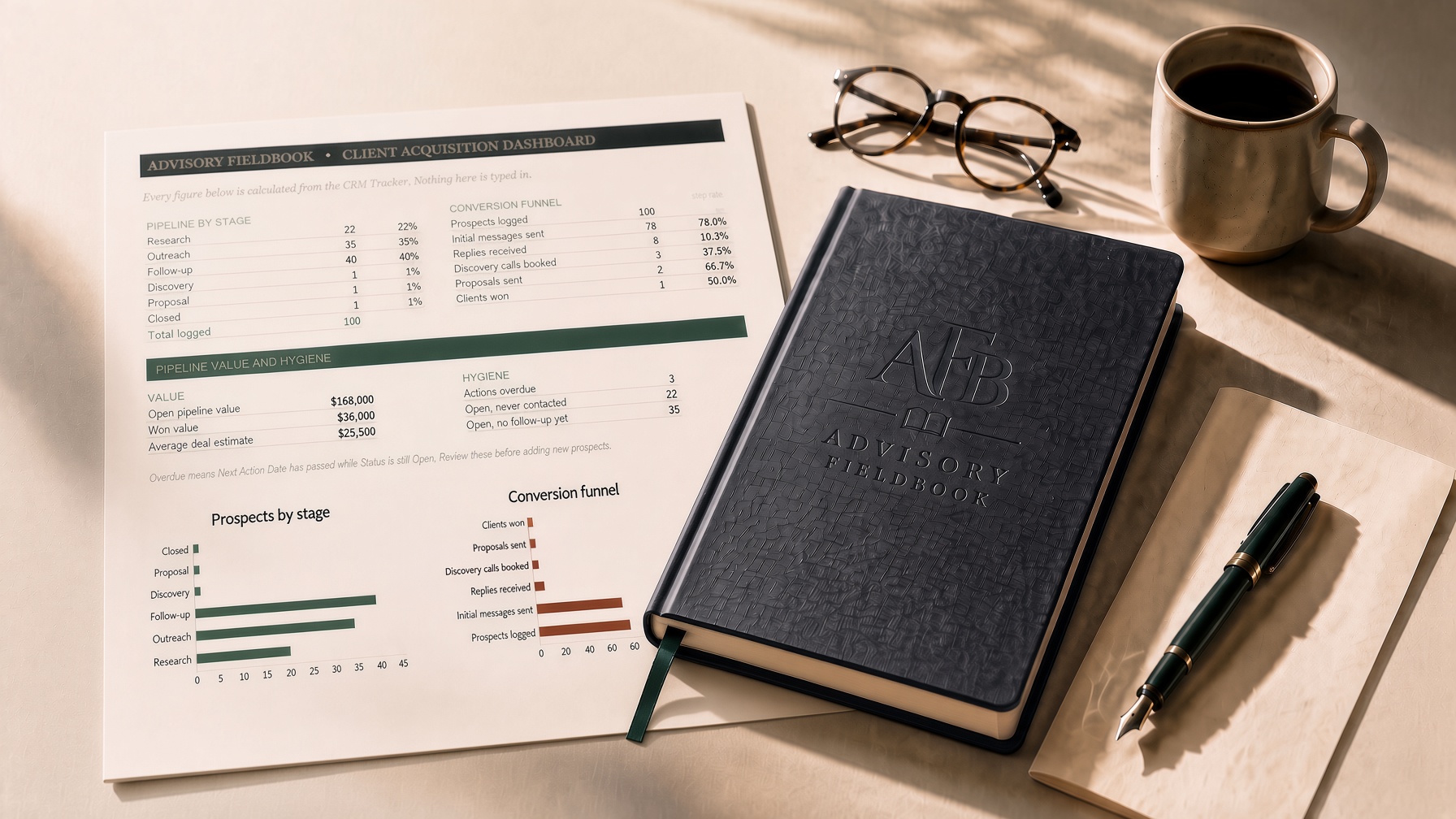
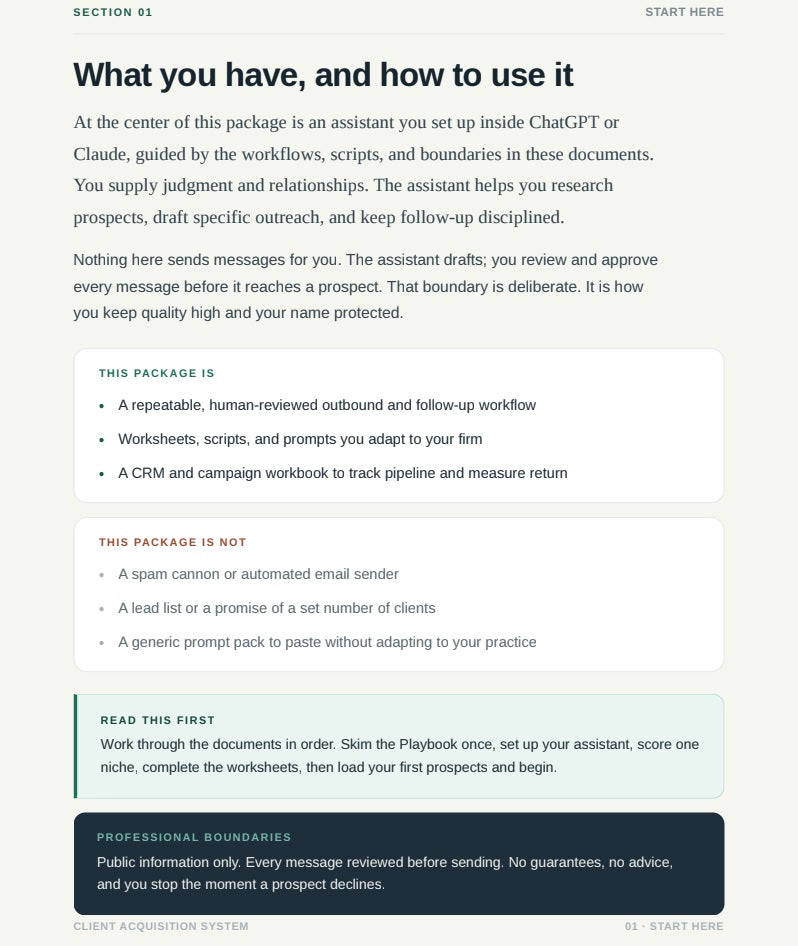
What is inside
All fourteen files
Four core deliverables
- Start Here GuideThe shortest path through the system and what to open first. PDF, 7 pages
- Implementation PlaybookThe operating sequence for niche, research, outreach, follow-up, discovery, and proposal work. PDF, 9 pages
- Worksheets and Message LibraryReview checklists, message structures, and reusable outreach patterns. PDF, 7 pages
- CRM and Campaign WorkbookTrack niches, score prospects, manage follow-up, and review campaign progress. Spreadsheet, multi-tab workbook
Ten module reference files
- Assistant Setup & Operating SOPInstall the acquisition assistant and operate it with clean professional boundaries. Reference file, about 4 pages
- ICP, Trigger Events & Market SelectionChoose the highest-signal niche and trigger events before building a list. Reference file, about 4 pages
- Prompt Workflow PlaybookUse the prompt workflows to research, draft, review, and improve campaign assets. Reference file, about 6 pages
- Outreach & Follow-Up LibraryDeploy reviewed outreach, follow-up, referral, and objection-handling scripts. Reference file, about 5 pages
- 30-Day Campaign Operating ManualRun the first campaign with a weekly cadence, metrics, and review cycle. Reference file, about 4 pages
- Discovery & Proposal Conversion GuidePrepare calls, qualify opportunities, and follow proposals to decision. Reference file, about 4 pages
- Compliance, QA & Professional Use GuideKeep research, messaging, and AI use inside safe professional boundaries. Reference file, about 3 pages
- Worked Campaign ExamplesFive complete niche campaigns, each written for its own market. Reference file, about 11 pages
- Worksheets, Templates & ExercisesComplete practical worksheets that turn strategy into ready-to-use campaign assets. Reference file, about 4 pages
- Before/After Messaging QA Swipe FileCompare weak vs strong messaging and run final QA before sending. Reference file, about 5 pages
WHO BUILT THIS
Produced by Guildyard LLC, founded by Mike Green. Mike has built operating systems and support processes with executive teams since 2001, collaborating with major software development studios and billion-dollar franchises. Advisory Fieldbook applies that discipline to client acquisition, which is a process problem before it is an accounting one.
Proof of workflow
A draft, before and after your edit.
A reviewed outreach draft, with the buyer edit marked.
Dr. Reyes,
I saw Northlake Pediatrics added two providers and evening appointments this quarter.
If you are looking at the finance side of the expansion, I can share the one-page checklist we use with growing practices. No call needed unless you want one.
Mike
Advisory Fieldbook
A draft. You edit it and send it yourself.
The Assistant drafts. You decide.
The system includes the setup that runs the Client Acquisition Assistant inside ChatGPT, Claude, or Gemini. It prepares the work at each stage. It does not act on it.
The Assistant drafts
Niche scoring, prospect research, outreach options, follow-up notes, next actions.
You review
You read it, edit it, approve it, or trash it. Nothing moves without this step.
You send
From your email or LinkedIn, under your name, on your schedule.
“I use only public or user-provided information and create drafts for your review. I never send messages or make promises about results.”
The Assistant's own instructions, verbatim. Five modes are included: Strategist, Researcher, Copywriter, Sales coach, CRM assistant. Plain-text setup, no new software.
Niche campaign packs are available separately after you have the core system.